
Searching Cases by Name
The Common Pleas public form includes a Plaintiff/Defendant field. It covers General and Domestic Relations matters. Use it only after confirming the case belongs to the Huron County Court of Common Pleas rather than a municipal, probate, or juvenile division. One method at a time is the rule. Picking the name field clears the case number and date criteria, so pairing a name with a filing date will not narrow the results.
- Identify the court level and, for municipal matters, the relevant Huron County geography.
- Open the Common Pleas public search form for a General or Domestic Relations matter.
- Enter the party name in the Plaintiff/Defendant field and submit that single search method.
- Use the returned case information as a lead, then ask the keeping clerk to verify a current setting, filing image, or certified record.
| Field | Type | Required | Huron County search note |
|---|---|---|---|
| Plaintiff/Defendant | Text | One lookup method | Maximum 30 characters; selecting it clears the other criteria. |
| Case Number | Text | One lookup method | Maximum eight characters; it cannot be combined with name or dates. |
| Hearing Date | Month/day dropdowns and year text | One lookup method | Use one exact date. |
| File Date | Month/day dropdowns and year text | One lookup method | Use one exact date. |
Note: The public form offers no court-type, status, attorney, export, or document-download control.
Huron Case Search Choices
Huron County's Common Pleas form gives you four ways in. Party name, case number, hearing date, and file date are the options. A calendar range sits above the case search on the same page. That range is not the same tool as the form's exact hearing-date search. If you want a list of dates, use the calendar controls. Have one specific court date? Use the case-search date fields.
The form's clearing behavior is deliberate. It stops a query from quietly carrying stale criteria over from another method. Too many results, or none at all? Clear the form. Switch to a different supported method instead of stacking a second field. That quirk is a local Huron County form rule, not a general Ohio search practice.
Searching by Case Number
For a Common Pleas matter, type the identifier into the eight-character Case Number field on the public form. The Clerk's online payment material also expects an eight-digit numeric case number. That payment instruction is not a universal key for every Huron County case or every court. Enter the number exactly as the issuing court supplied it. Never force a municipal citation or a probate number into the Common Pleas field.
A Common Pleas payment-style example is 12345678. It illustrates the documented eight-numeric-character expectation, not a promise that every record system displays that same layout. Cases before 2000 may not fit modern payment assumptions. The Clerk sends users with those older matters to the accounts manager. If a number fails, confirm the court. Ask the clerk to search the docket rather than guessing at digits.
Huron Case Search CaseLook
The Huron County Common Pleas CaseLook entry makes you accept its notice before any public case information appears. The notice says information is current only within the system's retrieval limits and sends anyone needing verified information to the court. That warning matters when a recent filing, a hearing change, or an order is at stake.
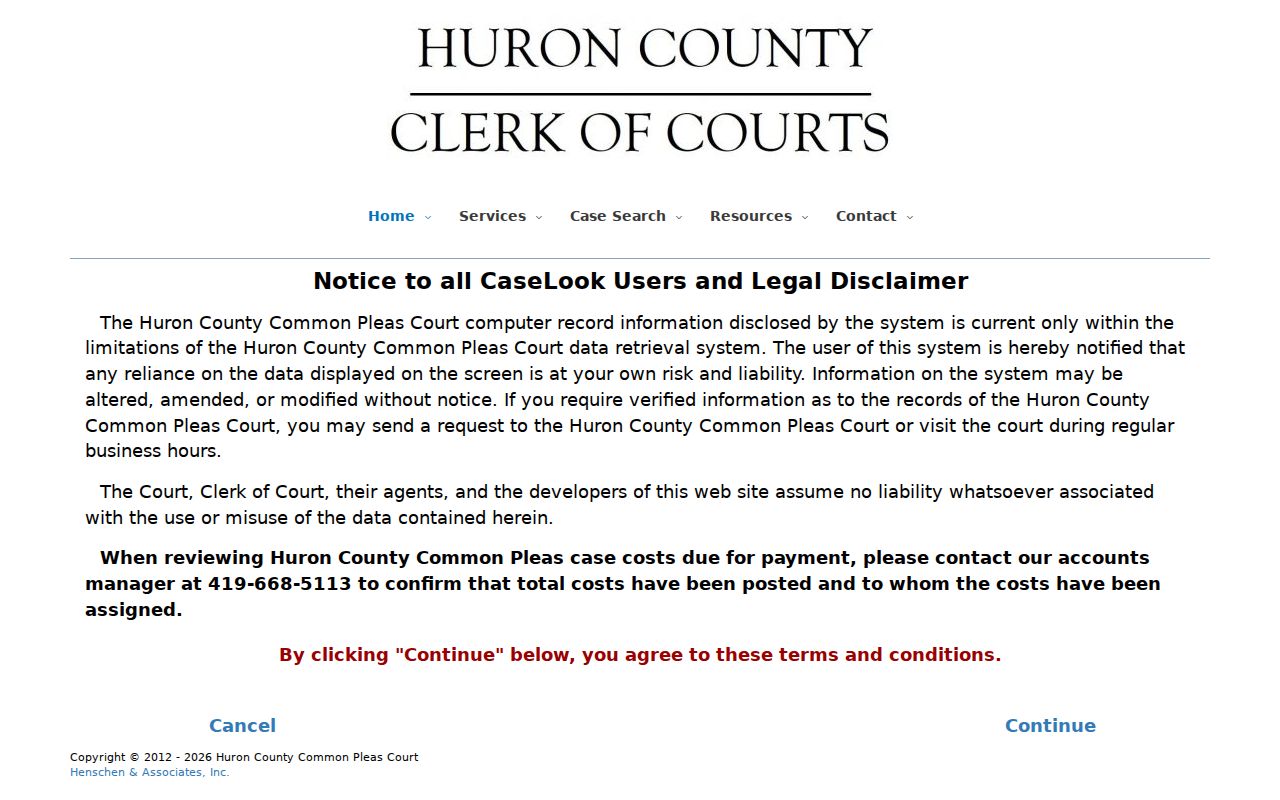
That acceptance screen divides a casual lookup from a verified court record. A result can help you spot a case and its record keeper. For confirmation, the Huron County Clerk of Courts Legal Division remains the source.
What a Case Search Returns
A Huron County case search can start several ways. Use a party designation, a case number, a hearing date, or a file date. Accepted Common Pleas filings land in the local Case Docket. That docket is the chronological register of filings and court action. A result may help you locate the register and the court holding the underlying papers.
| Case number | Look for the court’s identifier, which helps the clerk locate the correct file. |
|---|---|
| Parties or caption | Look for the case style or party designation when the public result displays it. |
| Filing date | Look for a filing-date entry when using the form’s date search. |
| Hearing information | Look for a hearing-date entry, then confirm timing through the court or clerk. |
| Docket events | Look for the recorded case progression, subject to access limits and posting delay. |
Not every field is confirmed for every Huron portal. No official public sample shows that every result always includes a judge, charge, balance, document image, courtroom, status, or disposition code.
Huron Case Docket Terms
Local vocabulary makes a docket result easier to read. It never turns an online entry into a full case file. Huron Common Pleas calls its chronological register the "Case Docket." CaseLook is the shared public-system name used by Common Pleas, Norwalk, and Bellevue. The terms that follow describe the record itself. They are not a promise that each label shows up on every screen.
- Case Docket
- The chronological register where accepted filings and court actions are entered.
- Caption
- The heading that identifies the parties and court on a filing.
- Entry
- A written court action, order, or recorded decision.
- Disposition
- The recorded way a charge or claim ends; verify the court’s exact label.
- Continuance
- An approved move of a hearing or trial, not merely an informal agreement.
Statewide vs County Case Search
Ohio has no single public statewide database for name-and-number searches across all trial-court dockets. The Ohio trial-court directory helps you find a court. It does not replace a Huron County case search. Once you know the right court, go to its local portal or clerk.
| Ohio court directory | Huron County court channel |
|---|---|
| Helps identify trial courts and court sites. | Supplies the actual search or record-request route for the case. |
| Does not provide a statewide public docket search. | Common Pleas, Norwalk, Bellevue, and Probate use separate local paths. |
| Best when the court is unknown. | Best when the court and Huron County matter are known. |
Start at the county layer and you avoid mistaking a court directory for a record database. You also avoid missing municipal geography, separate probate records, and juvenile access limits.
Huron Municipal Case Search Geography
Geography drives most municipal docket confusion in Huron County. Norwalk Municipal Court covers nearly the whole county. Lyme and Sherman Townships sit outside its reach. Bellevue, Lyme, and Sherman Township matters belong with Bellevue Municipal Court instead. Each court runs a CaseLook-style public entry system. Both caution that a court action may need 24 hours or longer to show up online.
Take a Norwalk case through the Norwalk Municipal Court record path. Call its clerk if a docket entry is missing. A Bellevue, Lyme, or Sherman matter goes through the Bellevue Municipal Court channel. Searching the same name in the wrong municipal portal will never fix a jurisdiction mismatch.
Huron Probate Search Is Separate
Probate files live outside the General Division public form. Huron County's Probate Division runs its own Probate Records Search entry point, and its clerk keeps those files. That separate channel matters for estates, guardianships, adoptions, and other probate cases.
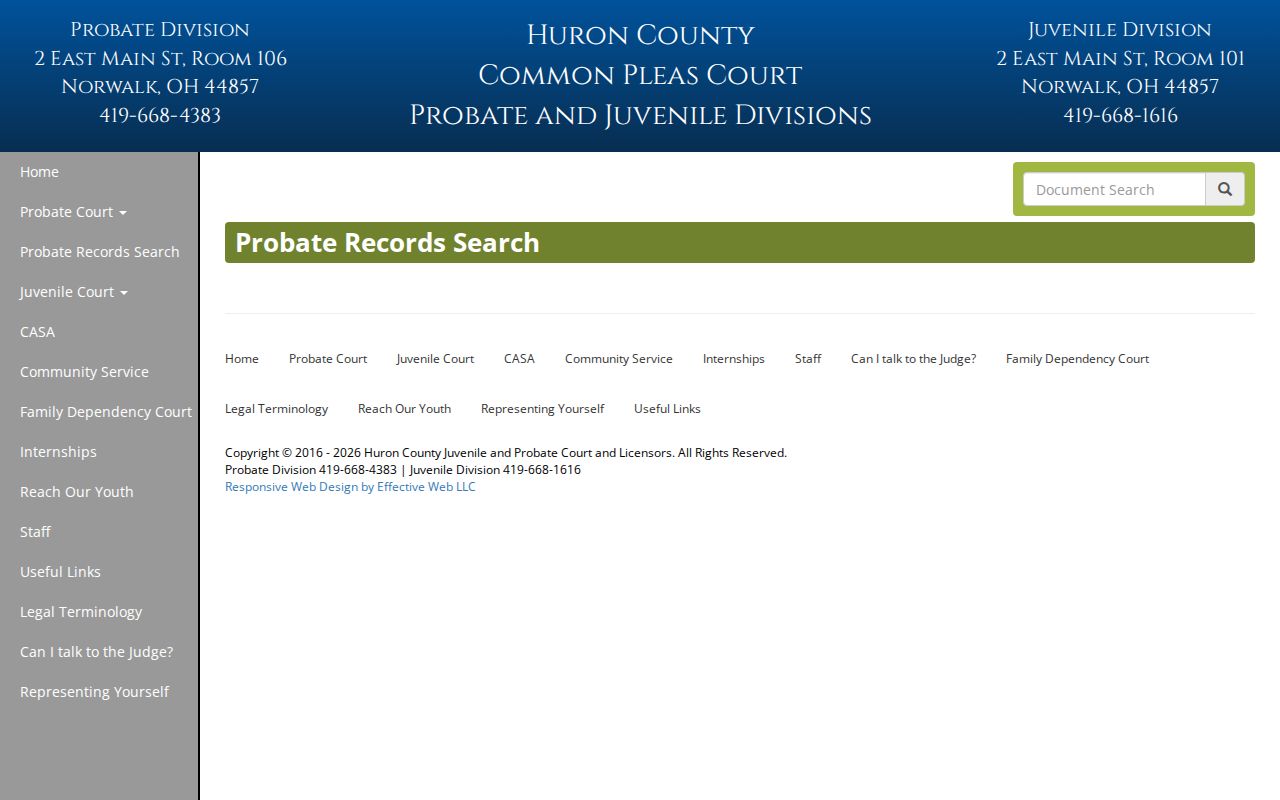
The Probate search link publishes no field list. Call Probate at 419-668-4383 when a result will not resolve the record. Juvenile access works differently, so do not expect those matters to behave like a public Common Pleas name search.
Huron Calendar Case Search
The Huron County Common Pleas calendar form asks for a beginning month, day, and year. It also wants an ending month, day, and year. According to the court's calendar and case page, the calendar can change, and parties and counsel get hearing notices by regular mail. So treat the online calendar as a lead on a court date. It is not the final word on any setting.
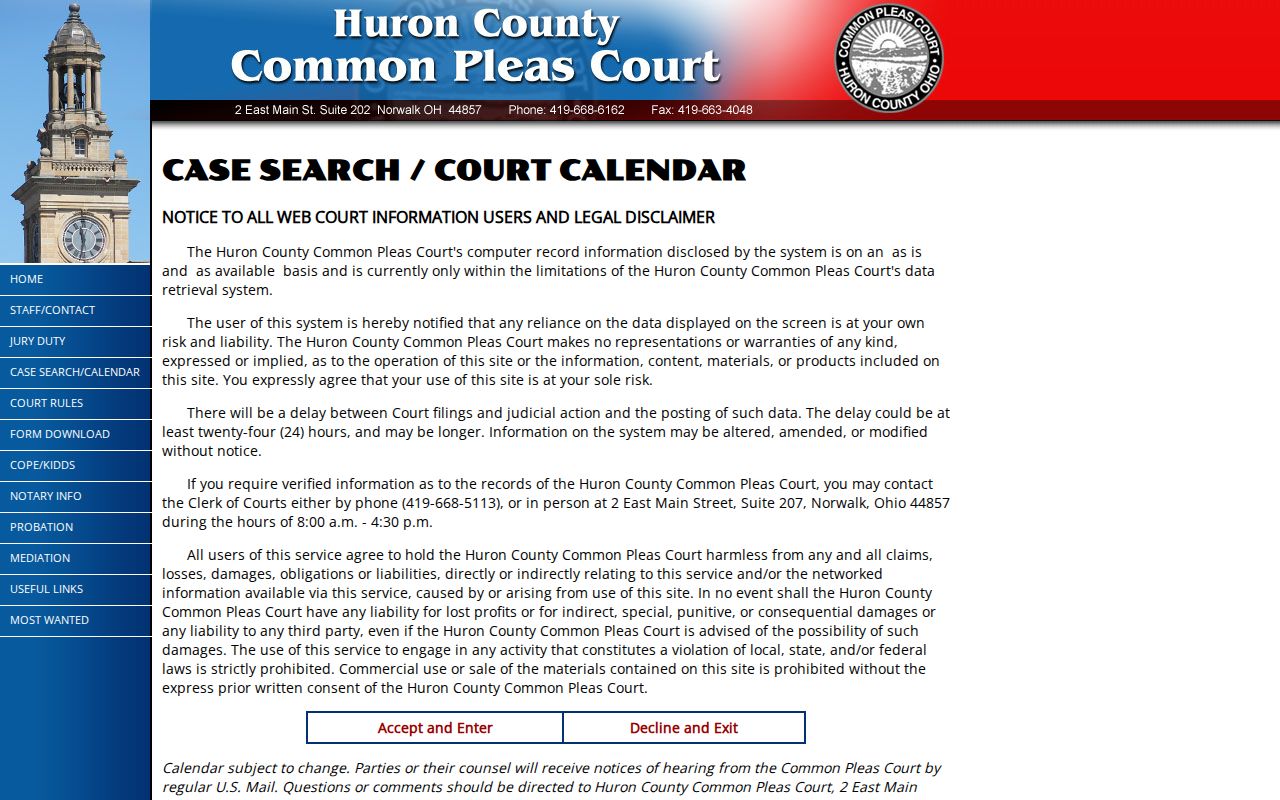
When a recent notice or a court confirmation conflicts with an online entry, the notice wins. For confirmed details, Common Pleas points to its Clerk's Legal Division in Suite 207, 2 East Main Street, Norwalk, at 419-668-5113.
Huron E-Filing Case Search
Attorneys and self-represented filers in Huron County Common Pleas General Division file through the Henschen & Associates e-filing system. This is a filing channel, not a public case-search portal. A submitted document is not yet filed. It becomes a filed document only after the clerk processes and accepts it. The service also does not handle legal service on other parties by itself.
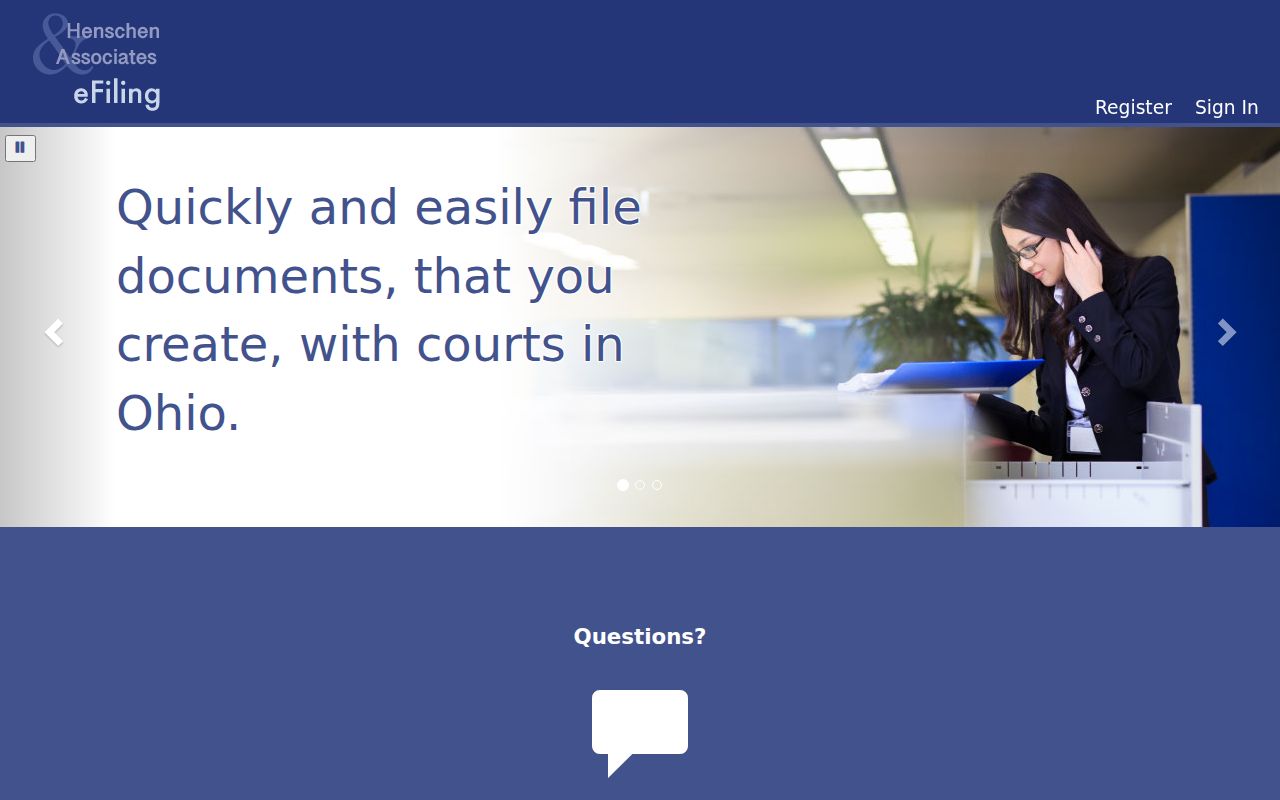
That boundary is why an e-filing login will not unlock public court records. Use the court's search channel for public case lookup. For a filed paper or confirmation, go to the record keeper.
Huron Case Search Verification
A Huron County case search rarely settles anything when you need a current or official answer. The Common Pleas search notice warns that online information can trail a filing or court action by 24 hours or more. A docket result points you toward the case. It cannot promise a stable hearing date. For that, a recent notice, the court, or the clerk is the better source.
For General and Domestic Relations records, Huron County names the Clerk of Courts Legal Division in Suite 207 at 2 East Main Street, Norwalk, 419-668-5113. That office is the fallback for verified information. The same principle holds at the municipal level. When CaseLook is stale, incomplete, or unclear, ask the clerk who keeps the case.
Access and Restricted Cases
Ohio court records carry a presumption of openness under Sup.R. 44 through 47. Those rules, however, split remote access from courthouse access and shield specific material. A public docket can confirm that an event happened. It may not show every document image or personal identifier. Some identifiers require protection. Social Security numbers, financial account numbers, and certain juvenile names are among them.
The Huron County Juvenile Division handles youth matters. These include youth traffic. Those files should not be presumed open through a routine public search. An adult sealed record stays sealed no matter how wide a portal you try. If the proper clerk says a record is restricted or sealed, respect that answer. Ask only about lawful access or the correct court procedure.
Note: A missing web result can reflect a court mismatch, posting delay, age of record, or restriction. It is not proof that no case exists.